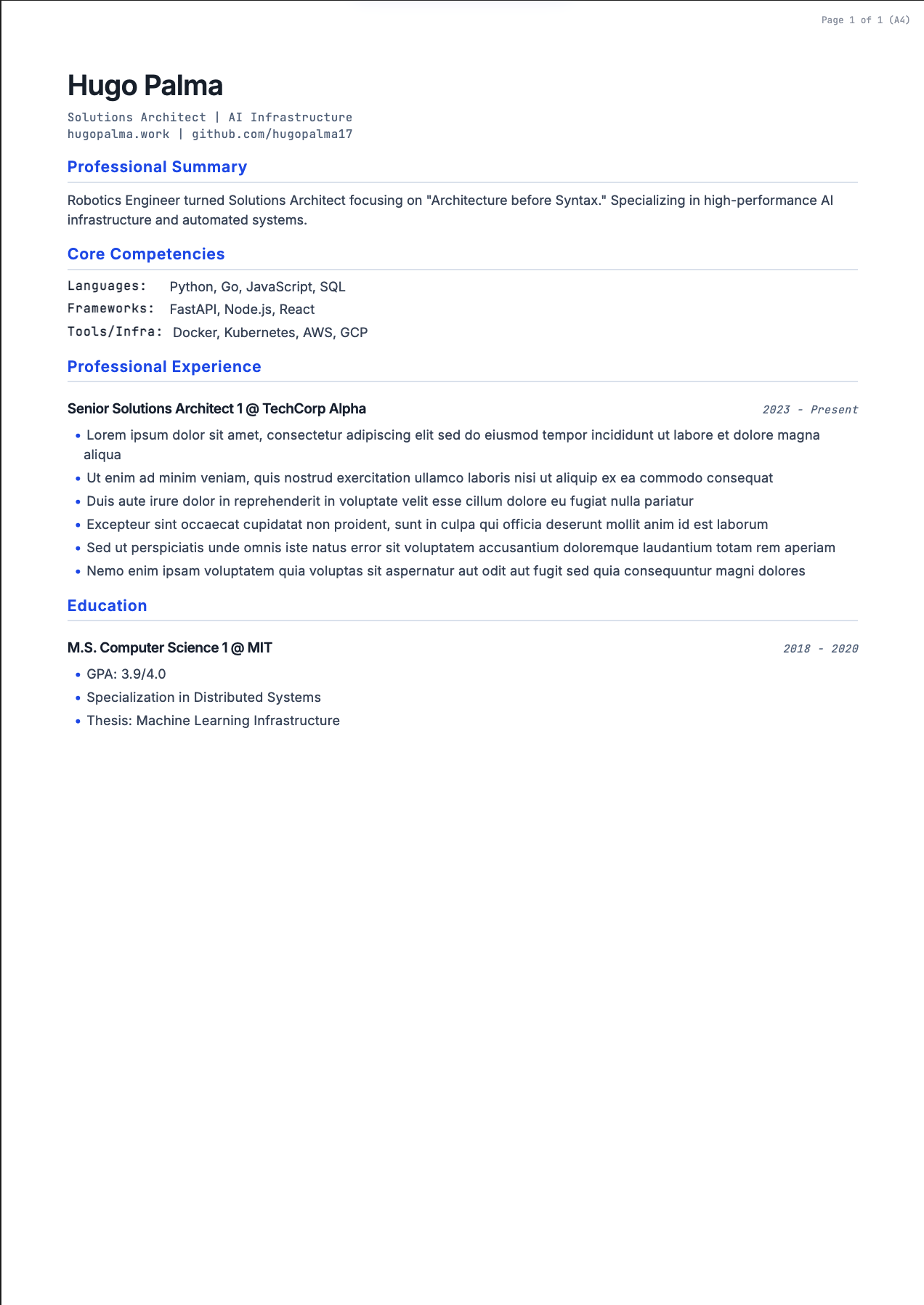
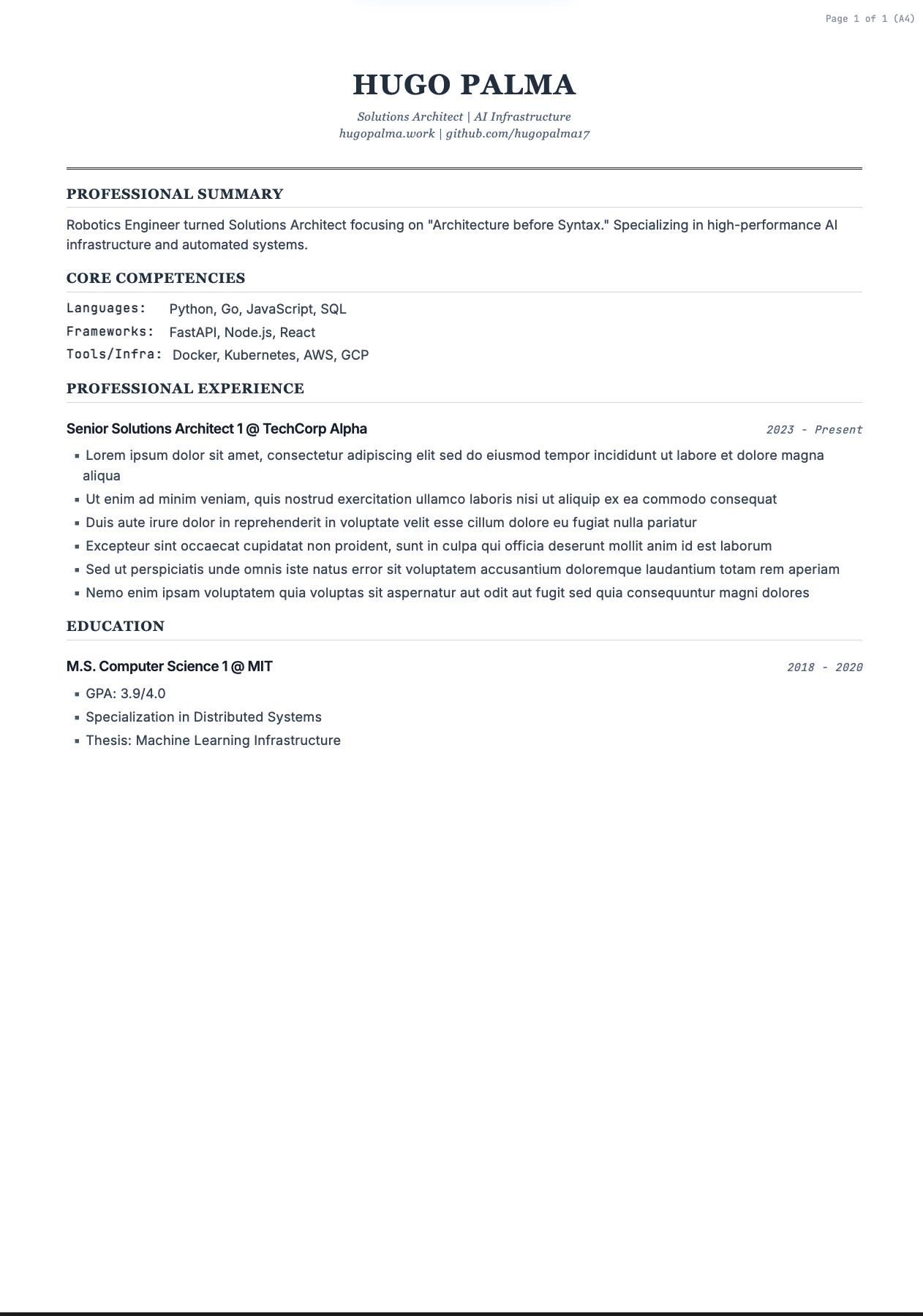
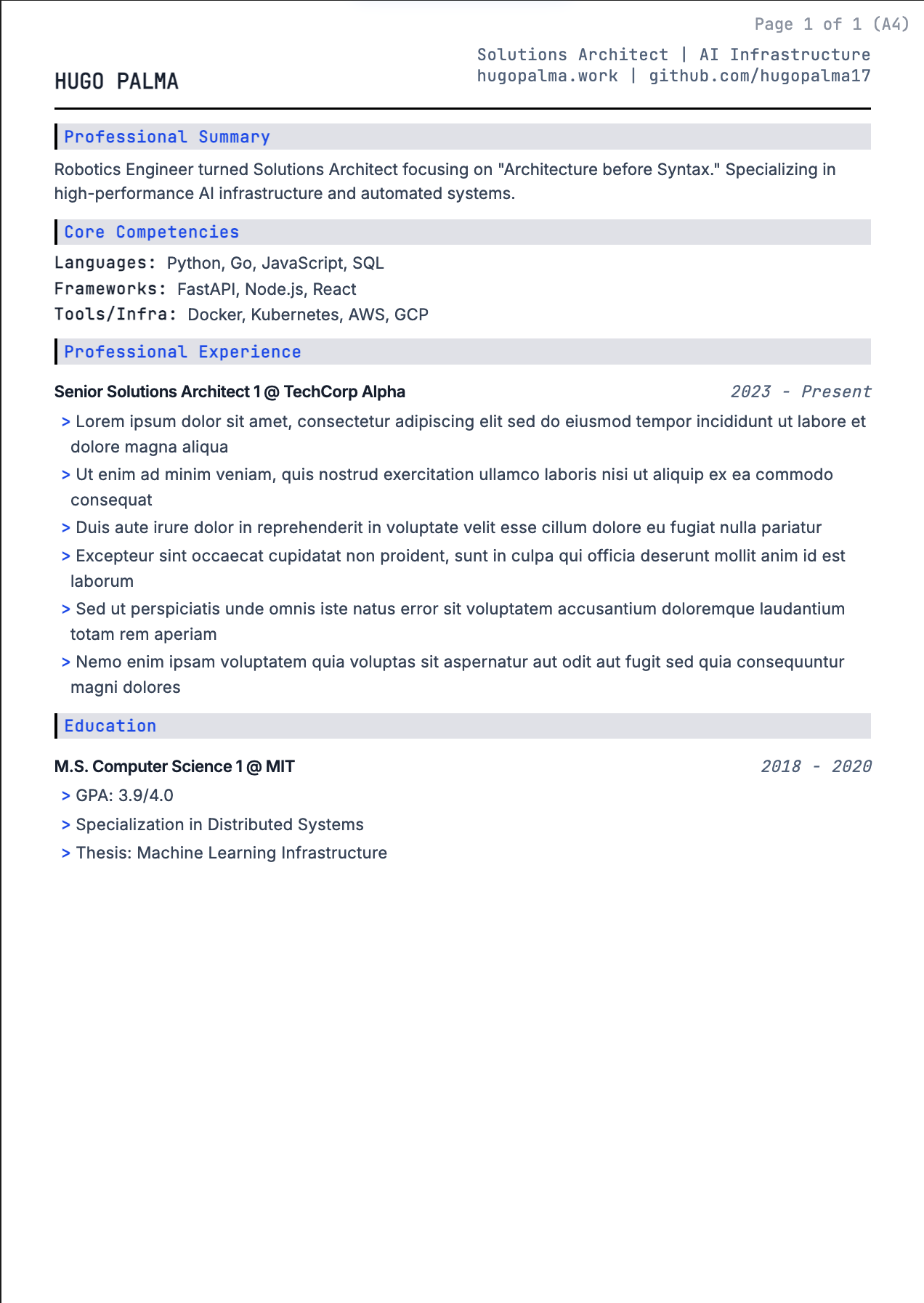
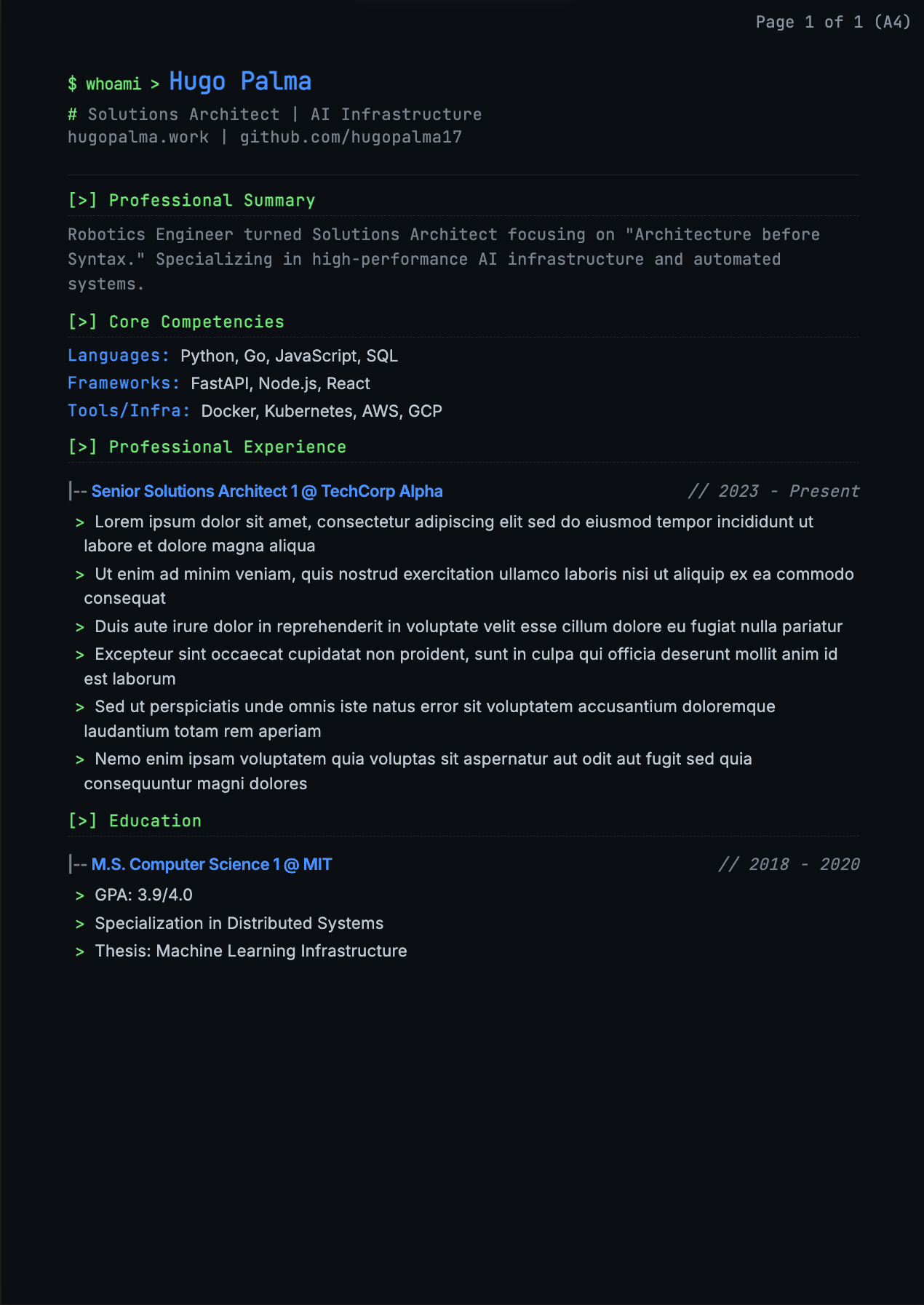
How to Use This Builder - The Flexible Way
This builder is completely flexible - sections aren't locked to specific purposes:
- "Add Experience" can be used for work history, projects, volunteer work, or anything with
roles and achievements
- "Add Section" can be used for skills, education, certifications, awards, languages, or any
bullet-point list
- "Add Summary" can be your professional summary, objective statement, or a brief bio
- Section titles are editable - rename "Professional Experience" to "Projects", "Education",
or anything you need
Example: Use "Add Experience" for Education by entering the university as "Company", degree as
"Role/Title", and courses/achievements as bullet points. You can even add multiple degrees at the same
institution using "Add Another Role (Promotion)"!
The "6-Second Scan" Rule
Eye-tracking studies show recruiters spend about 6-7 seconds on their first scan. They read in an "F-Pattern":
top-left, across headers, down the left margin.
Best Order of Sections
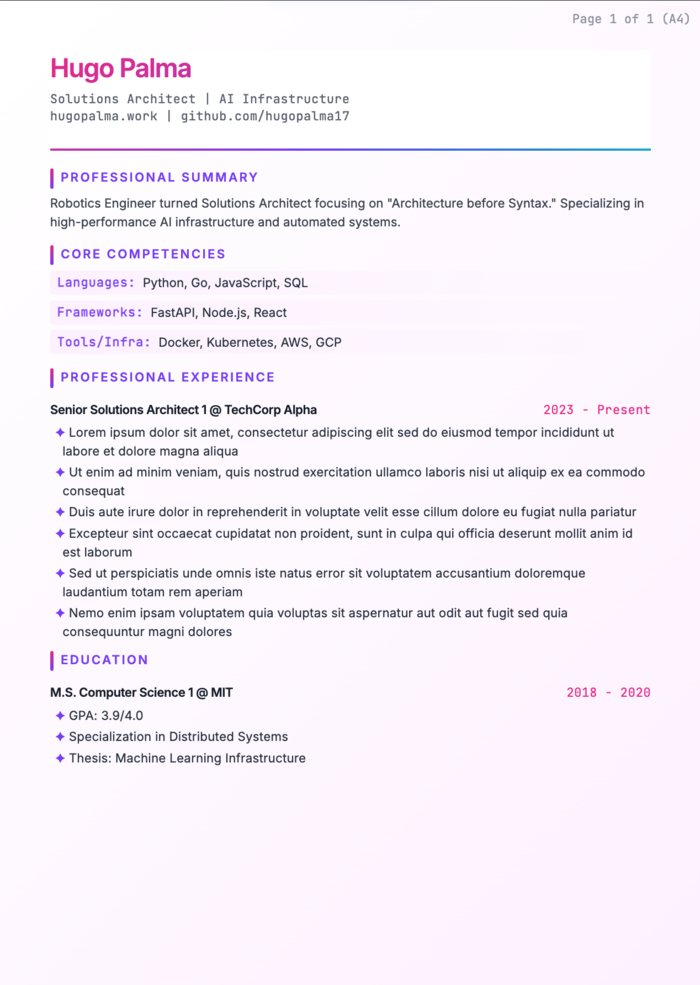
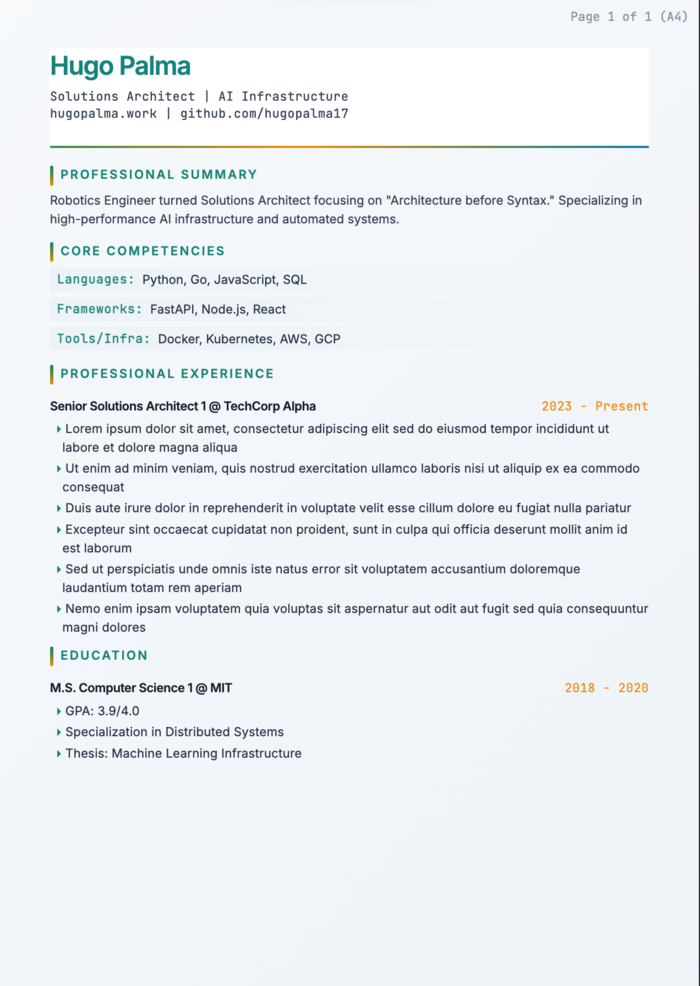
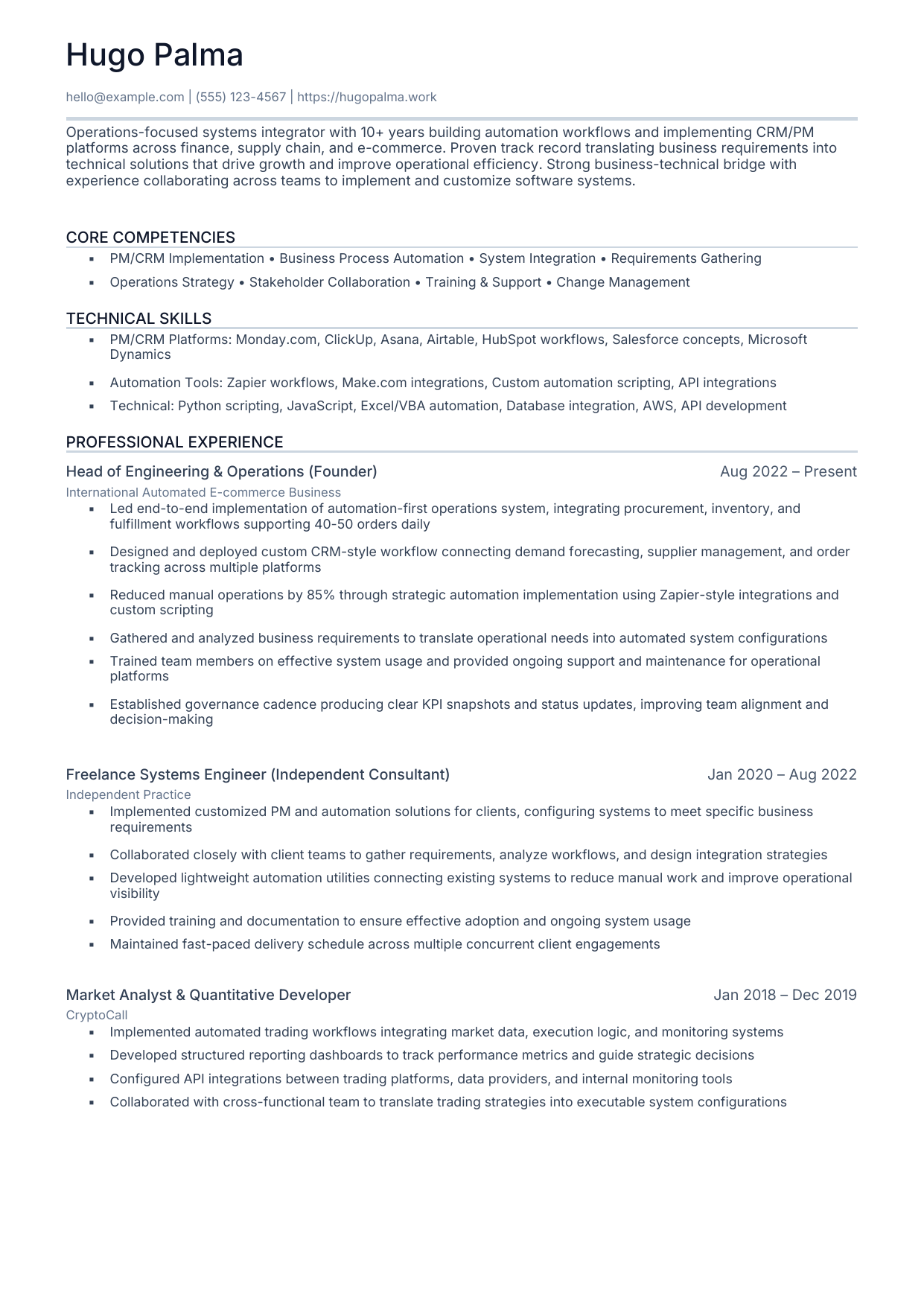
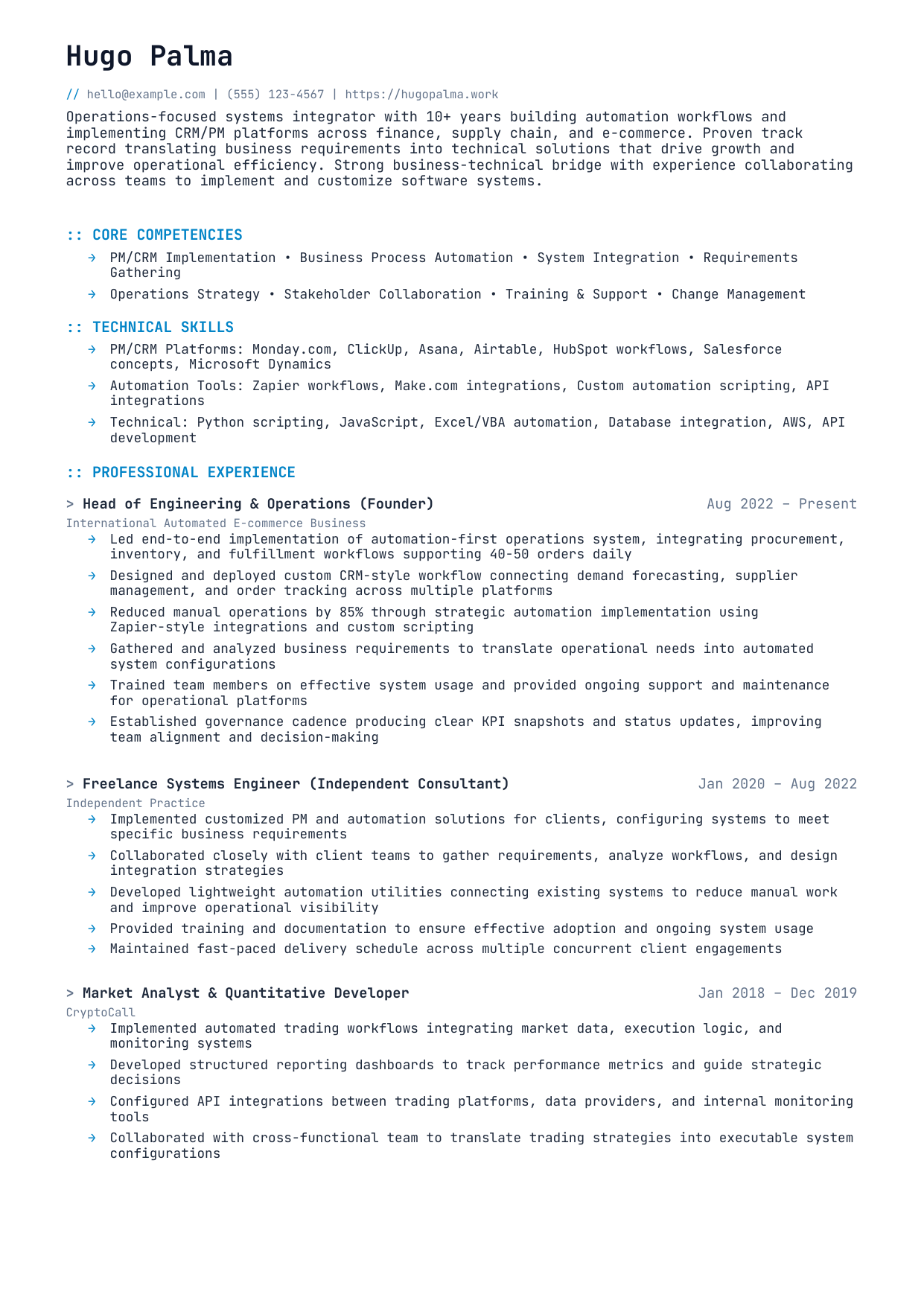
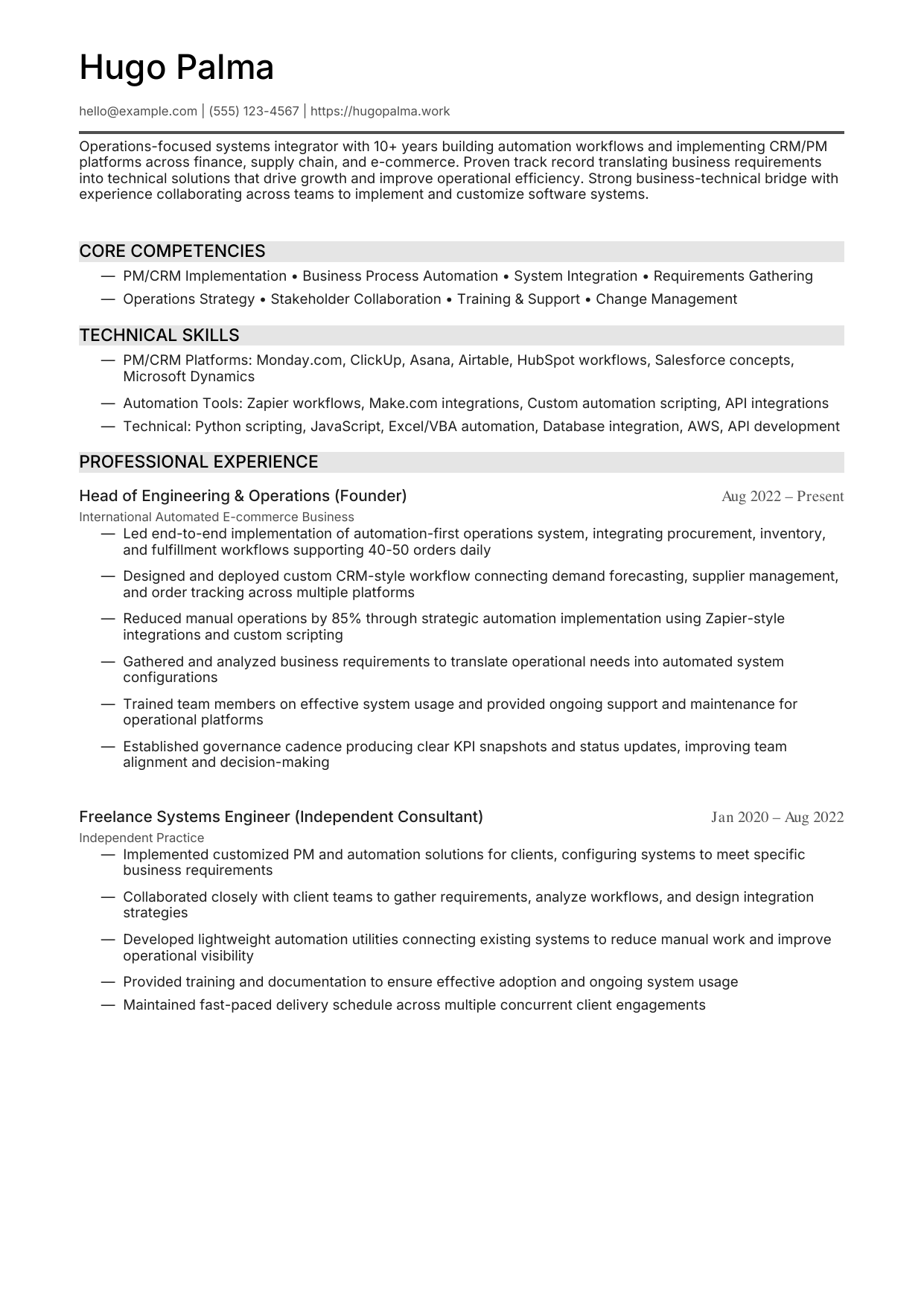
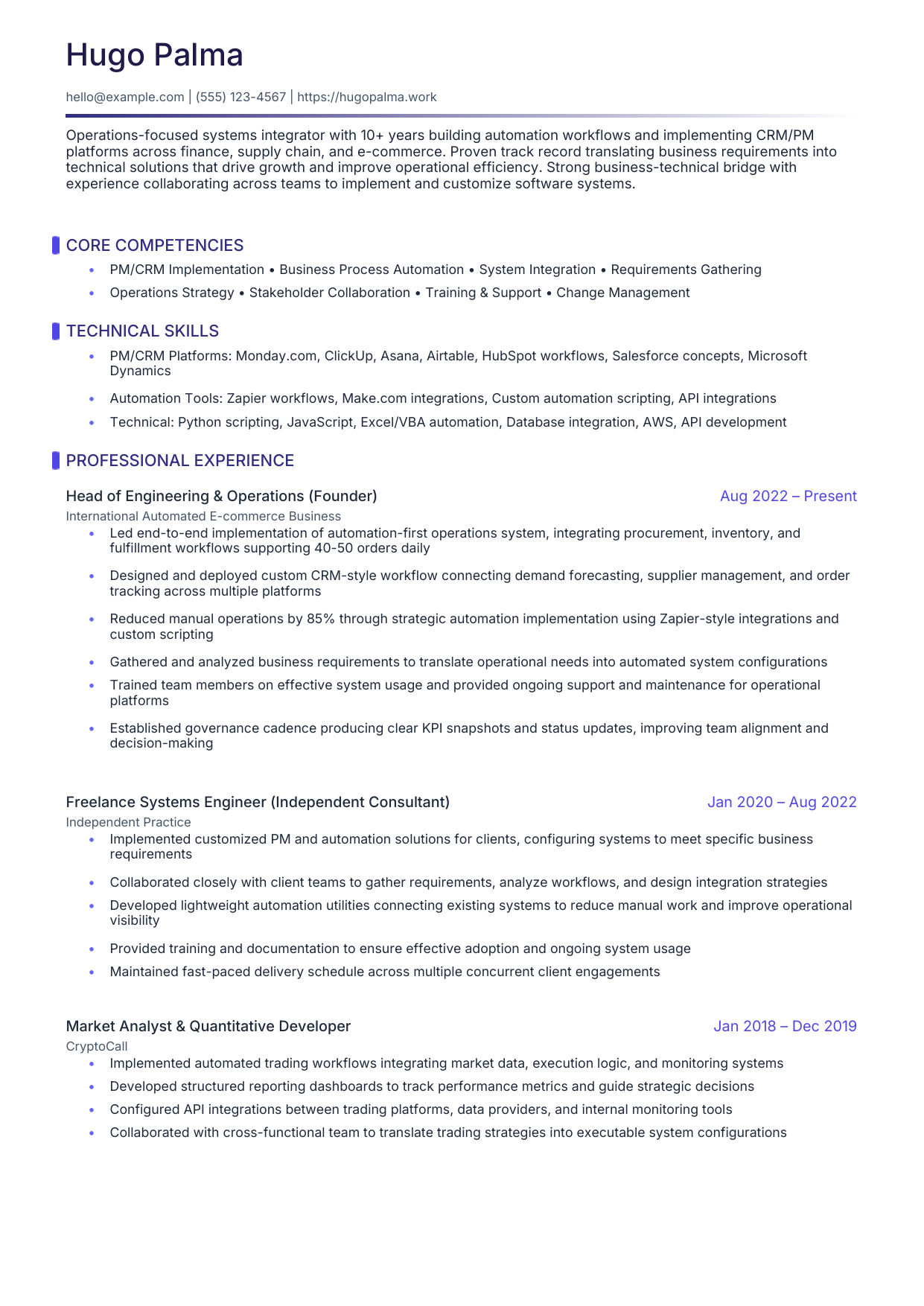
- Header - Name, Phone, Email, LinkedIn, Portfolio
- Professional Summary - 2-3 lines max. Avoid generic fluff.
- Skills/Core Competencies - Keywords recruiters search for. Place early!
- Professional Experience - Reverse chronological. Focus on results, not duties.
- Education - Bottom for experienced professionals. Top for fresh graduates.
Why This Order?
Skills before Experience allows recruiters to instantly check if you match their requirements.
High keyword density early = better ATS scores.
Formatting Guidelines
- Length: 1 page (standard) or 2 pages (senior/technical). Never 1.5 pages.
- Focus on Results: "Reduced latency by 20%" beats "Responsible for optimizing code"
- Contact Info: City/State is enough. Don't include full home address.
- ATS Compatibility: Use standard section names. Avoid tables/columns for main content.
Ghost Tags (ATS Optimization)
This tool embeds invisible markdown tags (# ## ### * _) in your PDF to help ATS systems parse structure
accurately. These are invisible to humans but machine-readable.
Pro Tip: Drag and drop sections to reorder them. Every section is deletable and customizable -
make it yours!
AI-Assisted Resume Generation
Use ChatGPT, Claude, or any AI assistant to generate a tailored resume. Switch to the JSON tab
and paste the result!
Generate a tailored resume JSON for [YOUR NAME] applying to [JOB TITLE] at [COMPANY].

My background: [paste your current resume or describe experience]
Job requirements: [paste key points from the job listing]

Use this EXACT JSON structure:
{
  "sections": [
    {"type": "header", "content": {"name": "...", "contact": "email | linkedin | phone | location"}},
    {"type": "summary", "title": "Professional Summary", "content": {"text": "..."}},
    {"type": "section", "title": "Skills", "content": {"bullets": ["skill 1", "skill 2"]}},
    {"type": "experience", "title": "Experience", "content": {
      "jobs": [{"company": "...", "roles": [{"title": "...", "period": "...", "bullets": ["achievement 1"]}]}]
    }},
    {"type": "education", "title": "Education", "content": {
      "entries": [{"institution": "...", "degree": "...", "period": "...", "bullets": []}]
    }}
  ]
}

Rules: Use "bullets" for arrays. Use "jobs" with "roles" for experience. Use "entries" for education.
Output ONLY valid JSON.
Tip: After pasting, click the Blocks tab to preview and fine-tune.